Cable Selection Guide
Power cable and control cable may look similar, but they serve different electrical functions. Choosing between them requires understanding current duty, conductor size, core count, screening, voltage and installation environment.
Quick Answer
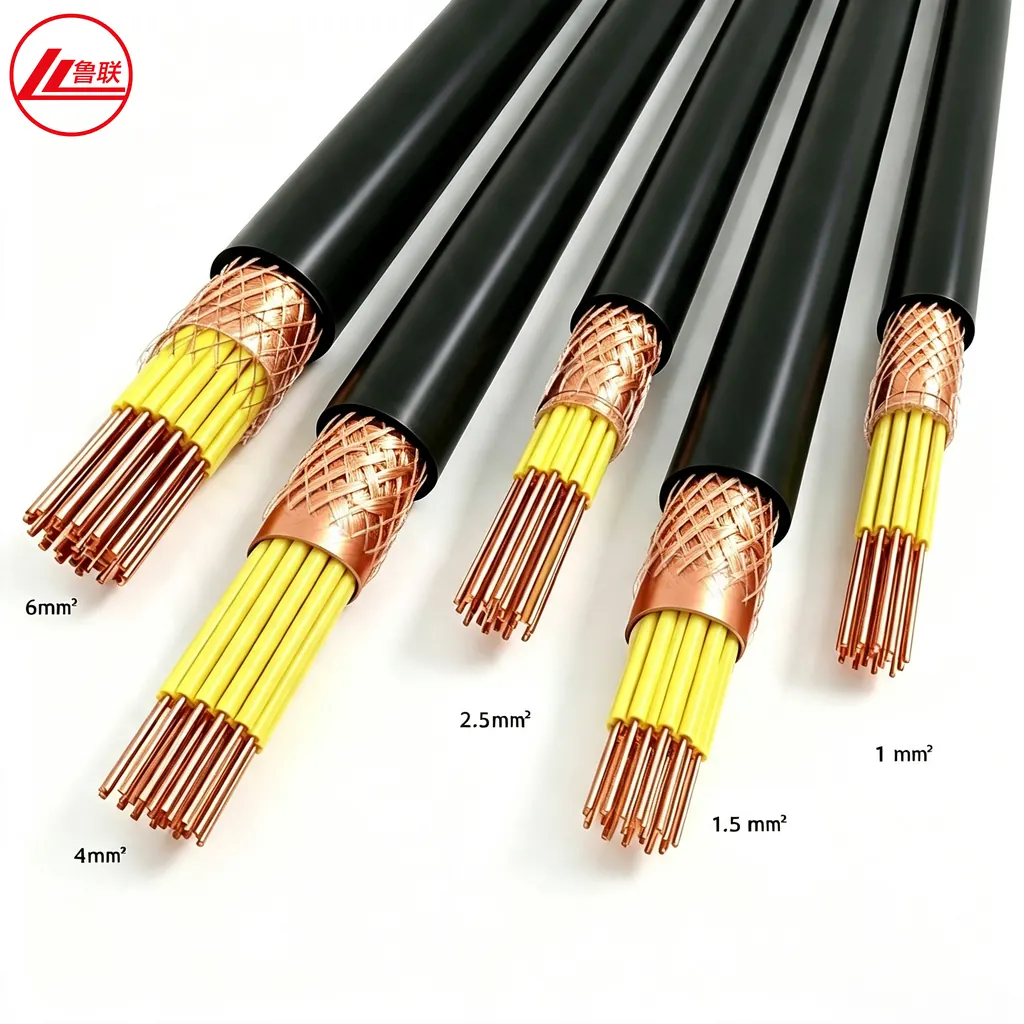
Power cables transfer electrical energy from a source to loads and are sized for current, voltage drop and fault duty. Control cables carry commands, interlocks, measurements and low-power signals between equipment. Control cables usually have more, smaller cores and may include screens to reduce electromagnetic interference.
Different Circuit Functions
A power feeder supplies motors, panels, transformers or distribution boards. Its conductors carry the operating current of the load. A control circuit communicates equipment state or operating commands, such as start, stop, open, close and alarm. Instrument signals may require additional screening or different cable types. The cable model must match the circuit function shown on the electrical drawings.
Conductor Size and Core Count
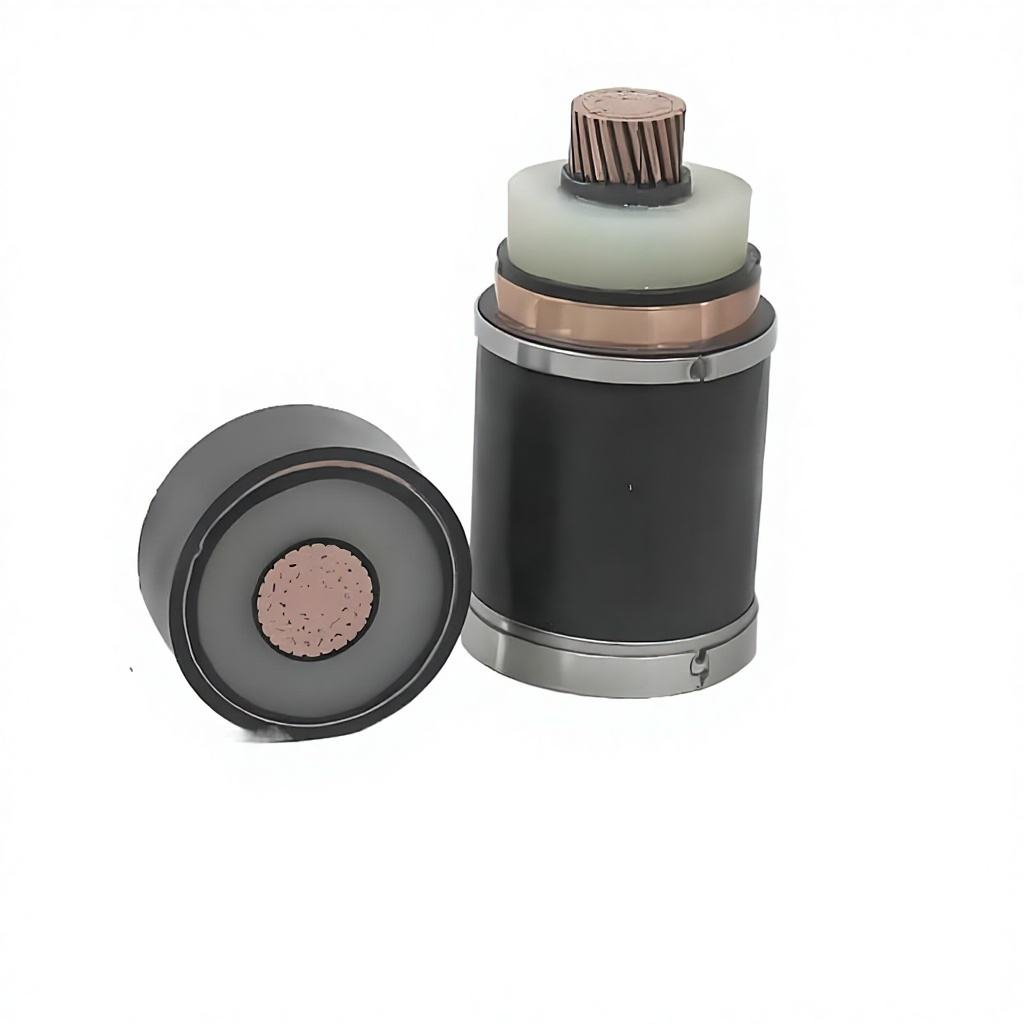
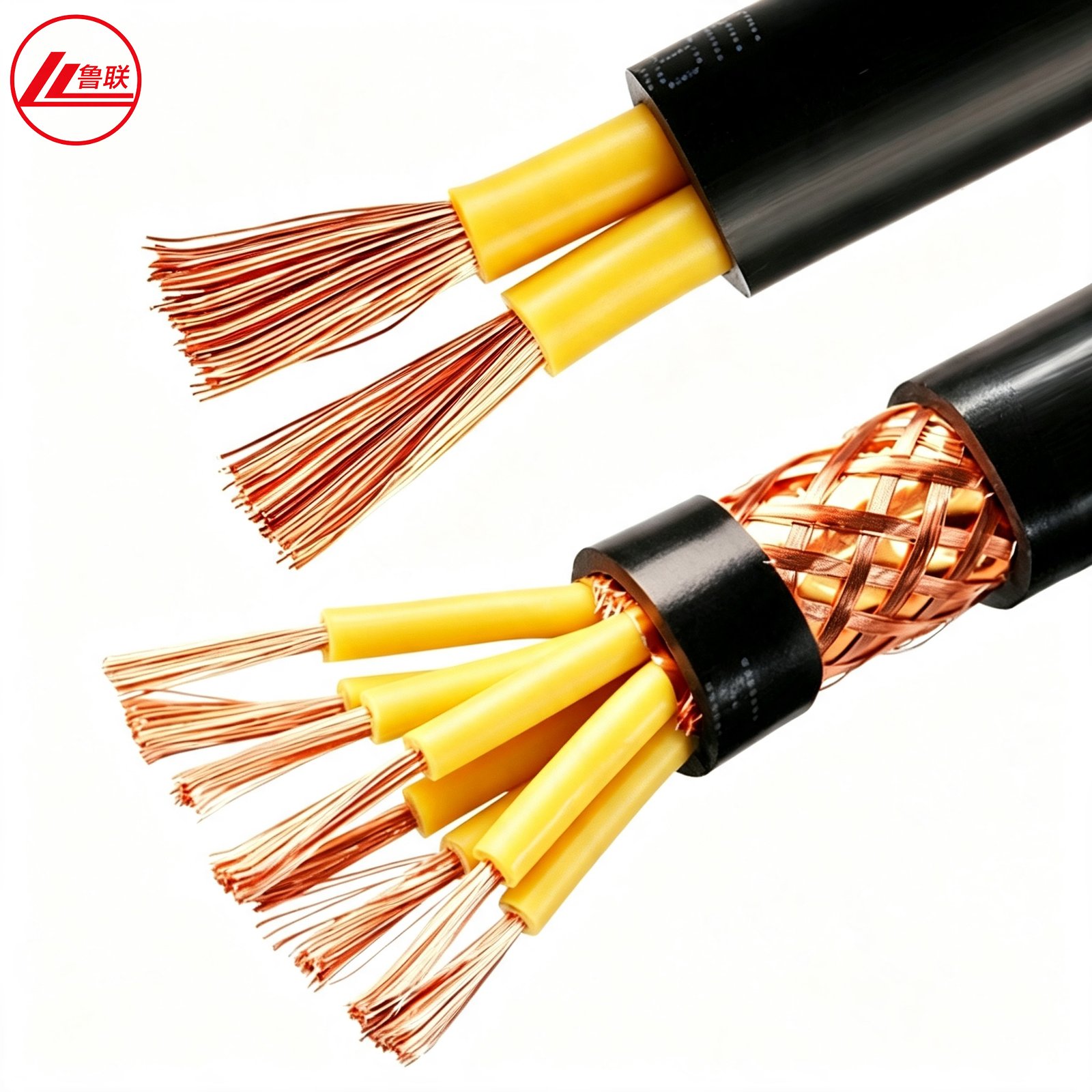
Power cable commonly uses larger conductor cross-sections and fewer cores, including single-core, three-core, four-core and five-core constructions. Control cable often uses many numbered cores with smaller cross-sections. Core count should include required spare cores only when the project specification calls for them. Conductor class affects flexibility and termination.
Voltage, Insulation and Armour
Rated voltage is selected from the circuit and standard. Common control cable families include KVV, KVVP, KVV22 and flexible variants, often at 450/750 V subject to specification. Power cable families include VV, YJV, YJY and armoured versions for distribution. Armour provides mechanical protection but does not replace an electromagnetic screen.
Screening and Electromagnetic Interference
A copper wire braid, copper tape or individual/overall screen can reduce interference and provide a defined bonding path. Screen choice depends on signal type, frequency, equipment and earthing design. A screened control cable is not automatically an instrumentation cable. Keep sensitive signal routes separated from high-current power circuits according to project rules.
Selection and Installation
Confirm whether the cable will be fixed or flexed, indoors or outdoors, on tray, in conduit or buried. State oil, chemical, UV, moisture and fire requirements. For control circuits, include core numbering, screen coverage and drain wire where needed. Visit our KVV/KVVP control cable page.
Information to Send for an Accurate Quotation
Provide circuit function, voltage, conductor size and class, core count, pair or triad arrangement if applicable, screen type, armour, insulation and sheath, colour or numbering, installation, fire requirement, standard, length, quantity and destination.
Frequently Asked Questions
Can control cable carry power?
Only when the cable rating, conductor size, circuit duty and applicable standard permit it. A label alone is not sufficient.
Is armour the same as screening?
No. Armour primarily provides mechanical protection; screening is selected for electrical-field or interference control.
Why do control cables have many cores?
Automation and interlock systems may need separate conductors for multiple commands, contacts, alarms and common circuits.
Discuss Your Cable Requirement
Lulian Cable supports distributors, contractors, utilities and industrial buyers across Europe, the Middle East and Africa, including Nigeria. Final construction, standards and performance are confirmed in the approved quotation and technical data sheet.